My honest review
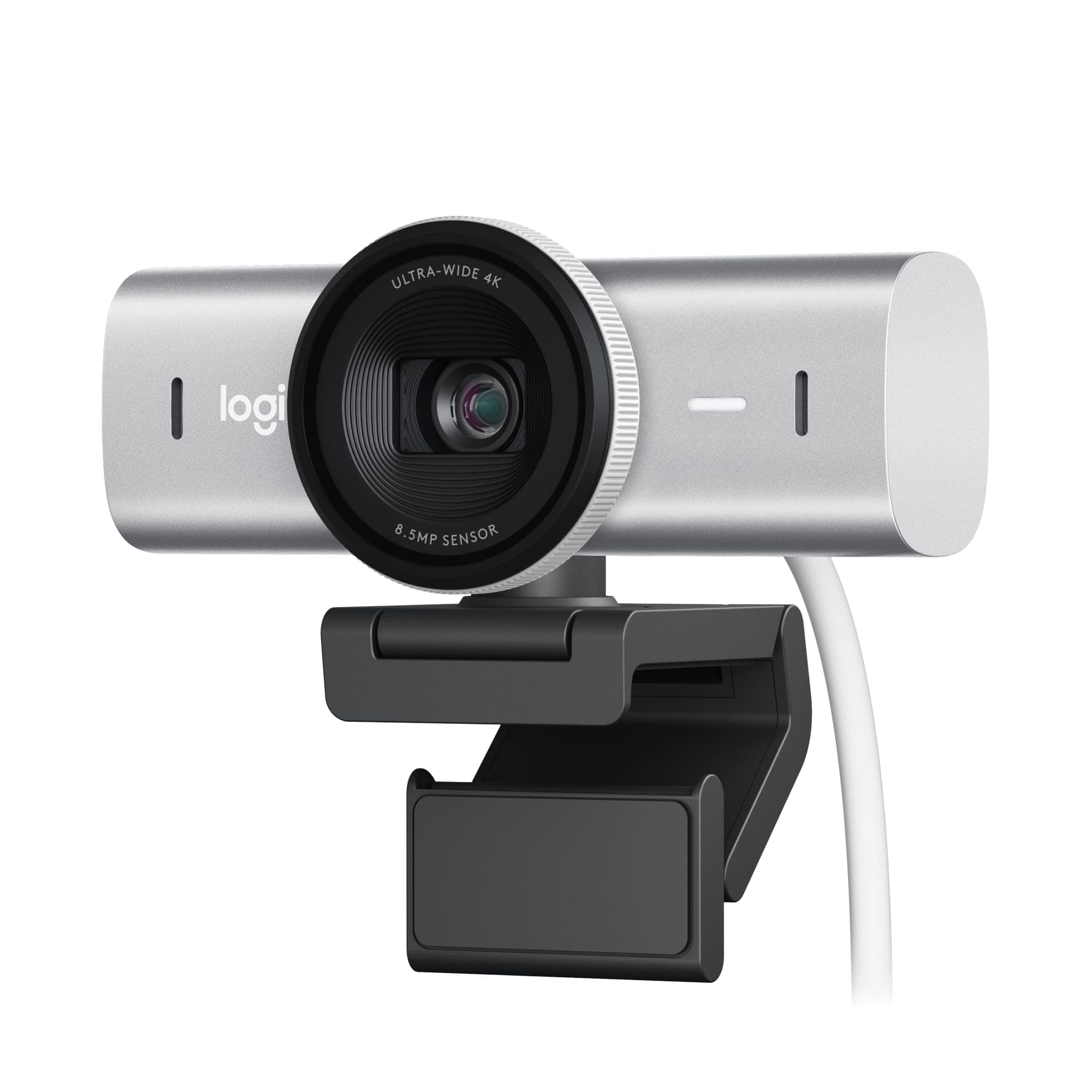
My laptop camera used to make me look like a blurry, pixelated ghost during evening team calls. Turn on an overhead fan or tubelight, and the image quality would instantly fall apart. Upgrading to the Logitech MX Brio made an immediate difference in how clean my video looks.
Picture quality and streaming performance
Resolution is where this camera shines. You get crisp 4K footage for recorded videos or super smooth 1080p at 60 FPS when you're streaming or hopping on Zoom. It copes remarkably well with poor lighting, so you don't look completely washed out even if your desk setup isn't perfectly lit.
Smart features that actually help
The tilt feature, called Show Mode, is brilliant if you frequently share physical notes or show products on your desk. You just tilt the camera downward, and it automatically flips the orientation so the person on the other side sees it right side up. Setup is straightforward thanks to the USB-C cable. You also get dual noise-reducing mics built in, which filter out ambient fan hum quite well.
Things to keep in mind
It is slightly heavier and chunkier than basic webcams, so take a second to position it securely on thin laptop lids. Also, while it works fine right out of the box, accessing all the fine manual controls for exposure and color balance requires downloading Logitech's app.
Pros & cons
- ✓Sharp 4K resolution and smooth 1080p at 60 FPS option
- ✓Clever Show Mode flips video when tilting down at your desk
- ✓Dual noise-reducing microphones cut out background hum
- ✓Easy USB-C connectivity with modern laptops
- •A bit bulkier than standard entry-level webcams
- •Needs Logitech software to tweak advanced image settings